
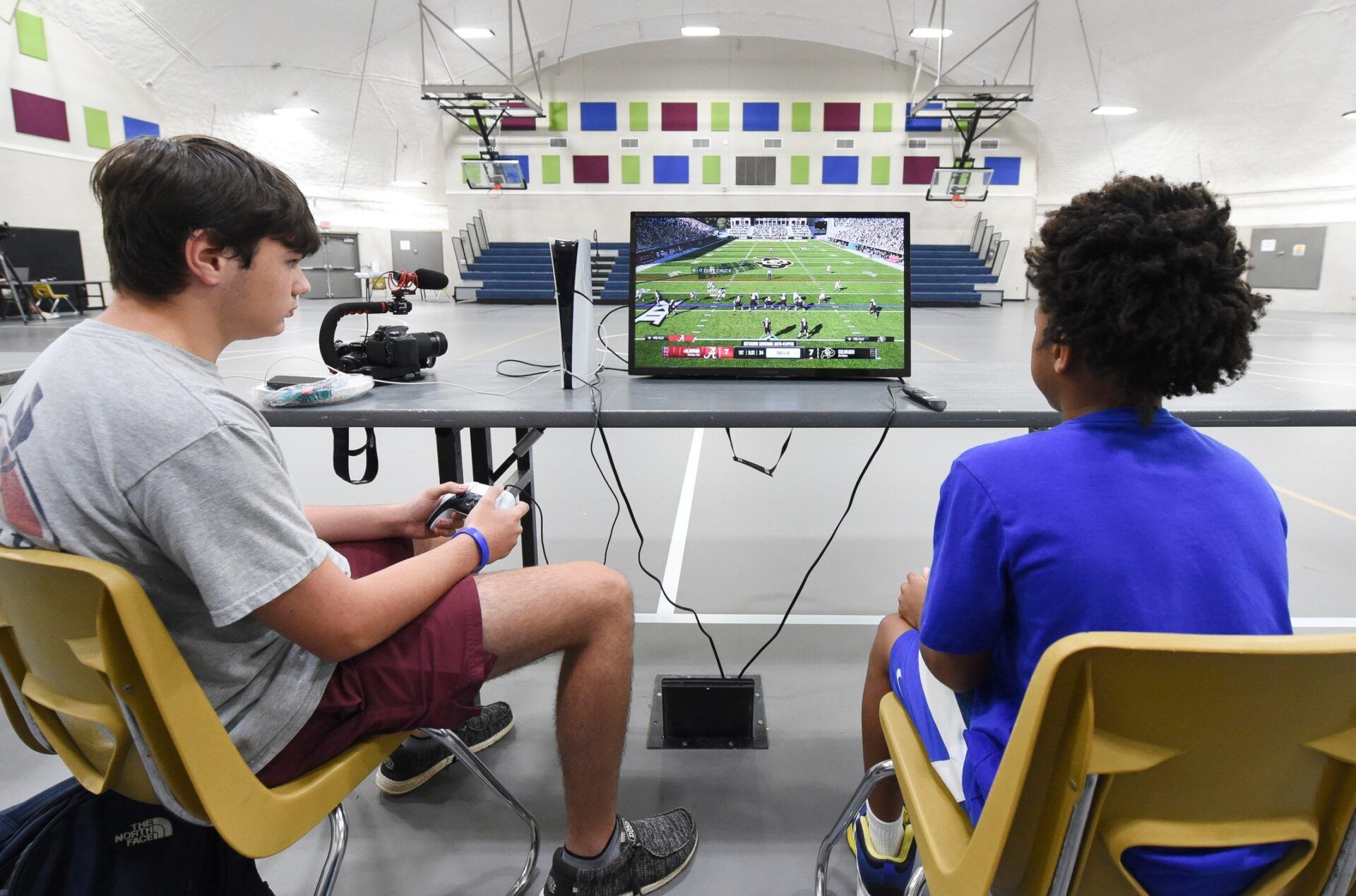
EA Sports has greatly improved the wear and tear system in College Football 26, taking into consideration all the feedback from the college football gaming community.
The feature drew heavy criticism in last year’s game, with complaints coming from all angles. In response, producers revamped player management so users now have more control over substitutions, while still staying true to the realistic feel of college football.
The new release, scheduled for July 10, 2025, promises a more immersive and player-driven experience. Many of the issues from College Football 25 have been fixed, and fan ideas helped shape some of the changes.
College Football 26 Brings Dynamic Substitutions to Enhance Player Management
One of the impressive changes in College Football 26’s wear and tear system is the addition of Dynamic Substitutions, which allows players to manage their roster on the fly without stopping the game’s flow.
Coaches may alter the team during the game by pressing the up button on the D-Pad, eliminating the hassle of constantly pausing the game for substitutions. To speed up the process, the system has added three new filters: Defense management, Offense management, and a Reset to starters option.
College Football 26 Wear and Tear pic.twitter.com/YNffAGSdK1
— CFBLabs (@CFBLabs) June 6, 2025
EA Sports Design Director Scott O’Gallagher acknowledged that improving the wear and tear system directly responded to community feedback.
“Another key improvement, and something the community requested, was making it easier and more strategic to manage players based on their wear and tear,” O’Gallagher stated.
NEW — EA Sports released its gameplay deep dive into College Football 26 today. There is so much to go though.
—Lots of new plays on both defense and offense. Lots to sort through.
—Improved wear and tear.
—Silencing the crowd. Love it. https://t.co/sz98DoDRT5 pic.twitter.com/cV70tnRmxf
— Herb Scribner (@HerbScribner) June 20, 2025
The development team recognized different coaching philosophies among players and designed the system to accommodate various styles.
The new wear and tear option settings give players four customizable approaches to manage their roster strategically. The Default option maintains standard CPU substitution patterns, while Keep Fresh prioritizes frequent player rotations to preserve health throughout games.
Grind It Out allows coaches to keep their best players on the field despite fatigue risks. The Custom setting offers the most control, enabling substitutions based on specific body part injuries and wear conditions for maximum strategic depth.
Players can tailor substitution strategies for each position directly from the coach adjustment menu. Additionally, the game introduces fully customizable sliders to adjust the impact of different tackle types on player health, giving gamers complete control over how quickly players fatigue and recover during games.
MORE: EA Sports Reveals Massive College Football 26 Gameplay Overhaul in Bold Deep Dive
This overhaul addresses a significant bug from College Football 25, where wear and tear rarely carried over from week to week for user-controlled teams while CPU teams experienced excessive fatigue.
Many players reported that their teams showed minimal wear and tear effects even late in the season, creating an unrealistic advantage and reducing strategic depth.
