
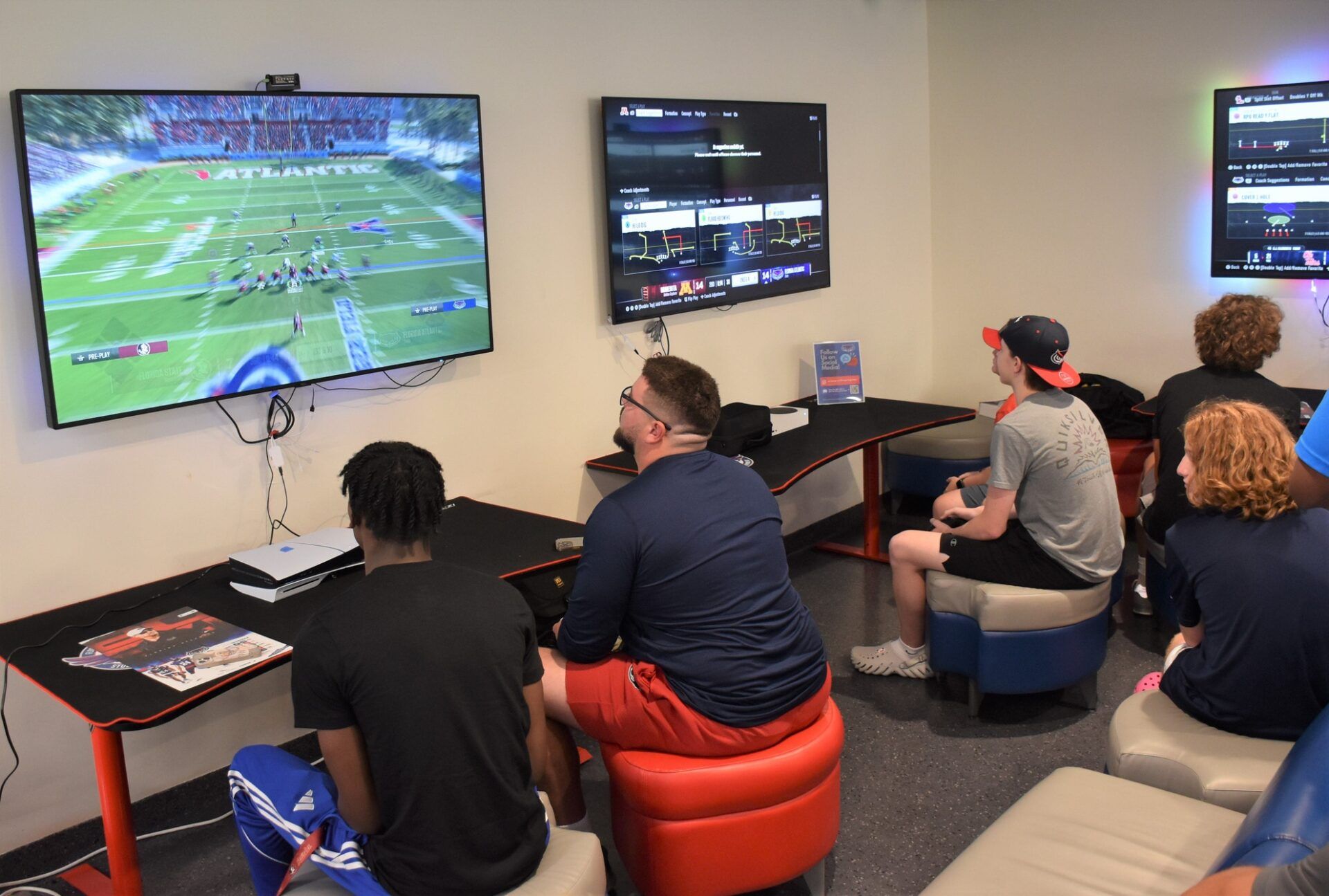
EA Sports dropped its first update for College Football 26 with promises of smoother gameplay and fixed grading in Road to Glory. But just when fans thought they could finally enjoy their defensive schemes without headaches, a new glitch crawled out of the code to ruin their day.

How Is This Cornerback Glitch Destroying Defensive Schemes?
Another sneaky glitch in College Football 26 is turning defensive dreams into digital nightmares. The cornerback matchups setting, which should stay locked to your chosen strategy like “by overall” or “by height,” keeps randomly flipping to “By Speed” mid-game without warning.
This unexpected switch completely reshuffles your CB assignments, forcing defenders to match up with receivers based purely on speed. The result? Absolute chaos in the secondary. Zones disintegrate, cornerbacks abandon their assigned spots, and receivers roam free like they’re running a seven-on-seven scrimmage.
This bug hits especially hard in Dynasty mode or high-stakes matchups, where a single blown coverage can derail your entire defensive game plan.
KEEP READING: ESPN Host Suggests Nick Saban Should Join ACC Team for $20 Million Amid Rumors of Return
The only workaround right now is staying vigilant. Keep a sharp eye on your coaching adjustments and check them every few plays. If you spot “By Speed” creeping into your settings, reset it to “Default” to restore some semblance of defensive order.
EA’s forums are buzzing with reports of the glitch, and on July 17, College Football 26 content creator Ace spotlighted it on X. His post prompted a wave of similar complaints from frustrated players and followers.
Cornerback Matchups Bug | CFB26 🚨
If your zones start doing weird things like crossing to the other side of the field, your coaching adjustments are bugged.
CB Matchups will randomly toggle to BY SPEED.
Make sure to check every few plays & reset to DEFAULT to prevent this. pic.twitter.com/xUsyEmUosZ
— Ace (@aceoffmeta) July 17, 2025
The responses tell the whole story. “I lost 3 games to this bs before finding out about it. Crazy!” one player wrote.
“Is this the same thing? My corner was on the entire other side of the field than his zone,” another added.
“Wow, thank you. I thought it was a me thing, I was confused,” another chimed in.
While a patch is likely on the horizon, for now, it’s up to you to guard your settings like a lockdown cornerback.
What Other Bugs Did EA Just Fix?
Before this cornerback mess surfaced, EA Sports was dealing with an even more frustrating issue. One of the most disruptive bugs in CF26 prevented players from snapping the ball after triggering a specific button combination. This glitch often led to delay-of-game penalties that cost players critical possessions, or even entire games.
Beyond that game-breaking problem, EA Sports addressed several less severe but still impactful gameplay issues. Linebackers were reacting more slowly than intended on run defense, giving offenses an unfair edge.
Meanwhile, wide receivers were unintentionally getting a speed boost on certain Reverse Pass plays, throwing off the balance between offense and defense.
On July 15, EA rolled out a patch update to resolve these problems. The fixes included restoring proper linebacker movement, resolving the snap bug, fixing blocked kicks for left-footed kickers, and re-tuning stiff-arm mechanics by shrinking the timing window.
Interceptions also saw improvement, with catch chances tuned to reflect more realistic outcomes.
In Road to Glory mode, player grading saw refinements as well. Team-based grading effects were scaled back for MIKE and CB roles. User-driven events, like interceptions and fumbles, now carry more weight, creating a more responsive and fair performance system.
